Multiple Threads
When the data is changing on another thread(s), there is a chance that while the chart is measured, the data changes at the same time, this
could cause a InvalidOperationException (Collection Was Modified) and some other sync errors; We need to let the chart know that the data is
changing on multiple threads so it can handle it and prevent
concurrency hazards.
There are 2 alternatives you can follow to prevent this issue, 1. use the lock keyword to wrap any change in your data, 2. Invoke the changes on the UI thread.
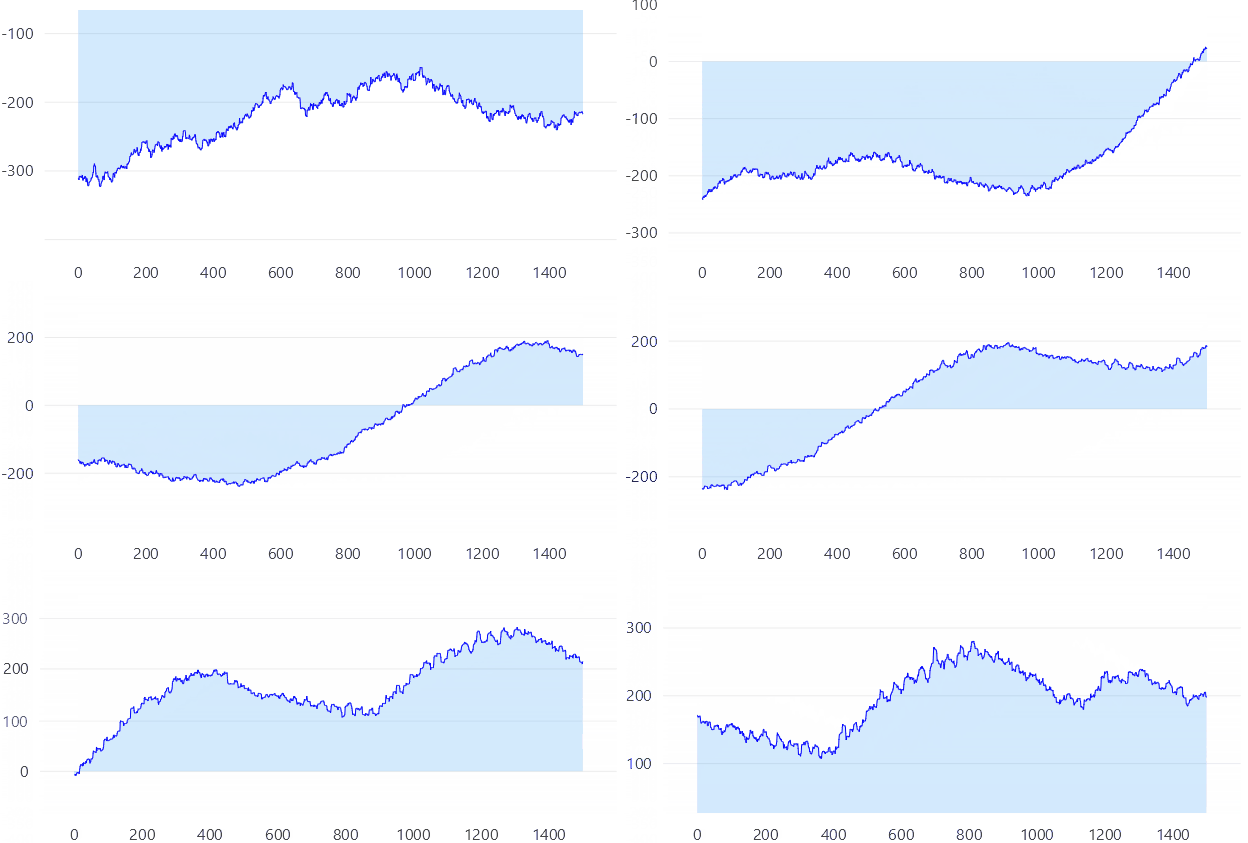
Locking changes (Alternative 1)
From MsDocs:
(the lock keyword) executes a statement block, and then releases the lock. While a lock is held, the thread that holds the lock can again acquire and release the lock. Any other thread is blocked from acquiring the lock and waits until the lock is released. The lock statement ensures that at maximum only one thread executes its body at any time moment.
Additionally from locking your data changes, you must also let LiveCharts know your lock object, then LiveCharts will grab the lock while it is measuring a chart.
Code behind
using System;
using System.Collections.Generic;
using System.Collections.ObjectModel;
using System.Threading;
using System.Threading.Tasks;
using Eto.Forms;
using LiveChartsCore;
using LiveChartsCore.SkiaSharpView;
using LiveChartsCore.SkiaSharpView.Eto;

namespace EtoFormsSample.General.MultiThreading;

public class View : Panel
{
    private readonly ObservableCollection<int> _values;
    private readonly object _sync = new();
    private int _current;
    private bool _isReading = true;

    public View()
    {
        var items = new List<int>();
        for (var i = 0; i < 1500; i++)
        {
            _current += new Random().Next(-9, 10);
            items.Add(_current);
        }
        _values = new ObservableCollection<int>(items);

        var cartesianChart = new CartesianChart
        {
            SyncContext = _sync,
            Series =
            [
                new LineSeries<int>
                {
                    Values = _values,
                    GeometryFill = null,
                    GeometryStroke = null
                }
            ]
        };

        Content = cartesianChart;

        for (var i = 0; i < 10; i++)
        {
            _ = Task.Run(ReadData);
        }
    }

    private async Task ReadData()
    {
        var r = new Random();
        await Task.Delay(1000);
        while (_isReading)
        {
            await Task.Delay(1);
            _current = Interlocked.Add(ref _current, r.Next(-9, 10));
            lock (_sync)
            {
                if (_values.Count > 0)
                {
                    _values.Add(_current);
                    _values.RemoveAt(0);
                }
            }
        }
    }
}
Notice that we also set the chart SyncContext property so the chart knows our sync object.
Invoke the changes on the UI thread (Alternative 2)
You can also force the change to happen on the same thread where the chart is measured, this will prevent concurrency hazards because everything is happening on the same thread, but you must consider that now the UI thread is doing more operations.
Code behind
using System;
using System.Collections.Generic;
using System.Collections.ObjectModel;
using System.Threading.Tasks;
using Eto.Forms;
using LiveChartsCore;
using LiveChartsCore.SkiaSharpView;
using LiveChartsCore.SkiaSharpView.Eto;

namespace EtoFormsSample.General.MultiThreading2;

public class View : Panel
{
    private readonly ObservableCollection<int> _values;
    private int _current;
    private bool _isReading = true;
    private readonly CartesianChart cartesianChart;

    public View()
    {
        var items = new List<int>();
        for (var i = 0; i < 1500; i++)
        {
            _current += new Random().Next(-9, 10);
            items.Add(_current);
        }
        _values = new ObservableCollection<int>(items);

        cartesianChart = new CartesianChart
        {
            Series =
            [
                new LineSeries<int>
                {
                    Values = _values,
                    GeometryFill = null,
                    GeometryStroke = null,
                }
            ]
        };

        Content = cartesianChart;

        for (var i = 0; i < 10; i++)
        {
            _ = Task.Run(ReadData);
        }
    }

    private async Task ReadData()
    {
        var r = new Random();
        await Task.Delay(1000);
        while (_isReading)
        {
            await Task.Delay(1);
            Application.Instance.InvokeAsync(() => UpdateValues(r));
        }
    }

    private void UpdateValues(Random r)
    {
        _current += r.Next(-9, 10);
        _values.Add(_current);
        _values.RemoveAt(0);
    }
}
