Automatic Updates
This sample uses the CommunityToolkit.Mvvm package
and C# 14 partial properties: C# 14 is the default with the .NET 10 SDK, on older target frameworks set
<LangVersion>14</LangVersion>. You can learn more about the samples
here.
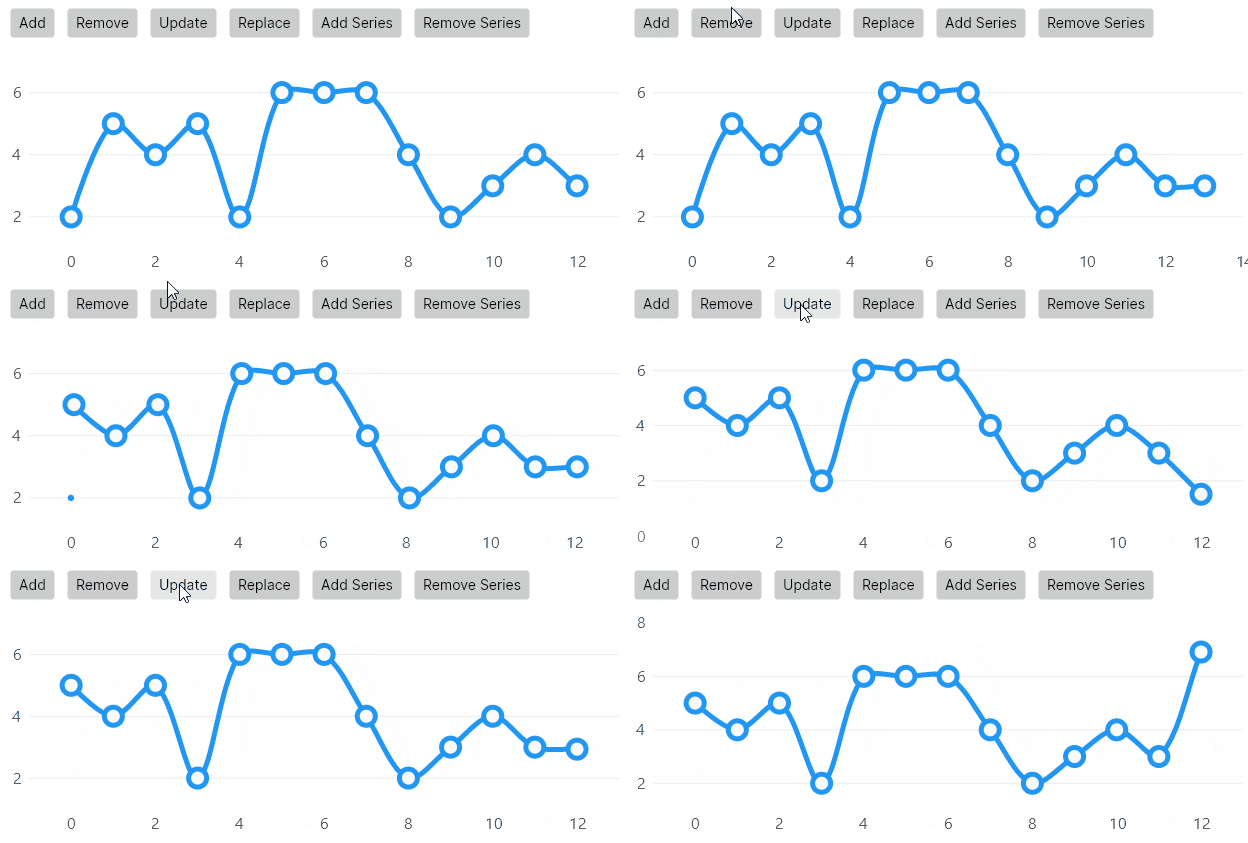
This example uses the LineSeries class but it works the same for any series in the library
View model
using System;
using System.Collections.ObjectModel;
using CommunityToolkit.Mvvm.Input;
using LiveChartsCore.Defaults;

namespace ViewModelsSamples.Lines.AutoUpdate;

public class ChartData(string name, ObservableValue[] points)
{
    public string Name { get; set; } = name;
    public ObservableCollection<ObservableValue> Values { get; set; } = new(points);
}

public partial class ViewModel
{
    private readonly Random _random = new();

    public ObservableCollection<ChartData> Data { get; set; } = [
        new ChartData(
            name: "Ana",
            points: [
                new(2),
                new(5),
                new(4)
            ]),
        new ChartData(
            name: "Mary",
            points: [
                new(5),
                new(4),
                new(1)
            ])
    ];

    [RelayCommand]
    public void AddSeries()
    {
        Data.Add(
            new ChartData(
                name: $"User #{Data.Count}",
                points: FetchVales()));

    }

    [RelayCommand]
    public void RemoveSeries()
    {
        if (Data.Count == 1) return;

        Data.RemoveAt(Data.Count - 1);
    }

    [RelayCommand]
    public void AddItem()
    {
        var newPoint = new ObservableValue
        {
            Value = _random.Next(0, 10)
        };

        Data[0].Values.Add(newPoint);
    }

    [RelayCommand]
    public void RemoveItem()
    {
        if (Data[0].Values.Count < 2) return;

        Data[0].Values.RemoveAt(0);
    }

    [RelayCommand]
    public void ReplaceItem()
    {
        var randomIndex = _random.Next(0, Data[0].Values.Count - 1);

        Data[0].Values[randomIndex] = new(_random.Next(1, 10));
    }

    private ObservableValue[] FetchVales()
    {
        return [
            new(_random.Next(0, 10)),
            new(_random.Next(0, 10)),
            new(_random.Next(0, 10))
        ];
    }
}
XAML
<UserControl
    x:Class="WPFSample.Lines.AutoUpdate.View"
    xmlns="http://schemas.microsoft.com/winfx/2006/xaml/presentation"
    xmlns:x="http://schemas.microsoft.com/winfx/2006/xaml"
    xmlns:lvc="clr-namespace:LiveChartsCore.SkiaSharpView.WPF;assembly=LiveChartsCore.SkiaSharpView.WPF"
    xmlns:vms="clr-namespace:ViewModelsSamples.Lines.AutoUpdate;assembly=ViewModelsSamples">

    <UserControl.DataContext>
        <vms:ViewModel/>
    </UserControl.DataContext>

    <Grid>
        <Grid.RowDefinitions>
            <RowDefinition Height="Auto"/>
            <RowDefinition Height="Auto"/>
            <RowDefinition Height="*"/>
        </Grid.RowDefinitions>

        <StackPanel Grid.Row="0" Orientation="Horizontal">
            <Button Margin="6" Command="{Binding AddItemCommand}" Content="Add item"/>
            <Button Margin="6" Command="{Binding ReplaceItemCommand}" Content="Replace item"/>
            <Button Margin="6" Command="{Binding RemoveItemCommand}" Content="Remove item"/>
        </StackPanel>

        <StackPanel Grid.Row="1" Orientation="Horizontal">
            <Button Margin="6" Command="{Binding AddSeriesCommand}" Content="Add Series"/>
            <Button Margin="6" Command="{Binding RemoveSeriesCommand}" Content="Remove Series"/>
        </StackPanel>

        <lvc:CartesianChart Grid.Row="2" SeriesSource="{Binding Data}">
            <lvc:CartesianChart.SeriesTemplate>
                <DataTemplate>
                    <lvc:XamlLineSeries
                        SeriesName="{Binding Name}"
                        Values="{Binding Values}"/>
                </DataTemplate>
            </lvc:CartesianChart.SeriesTemplate>
        </lvc:CartesianChart>
    </Grid>

</UserControl>
Related articles:
~/samples/lines/autoupdate/template.md
