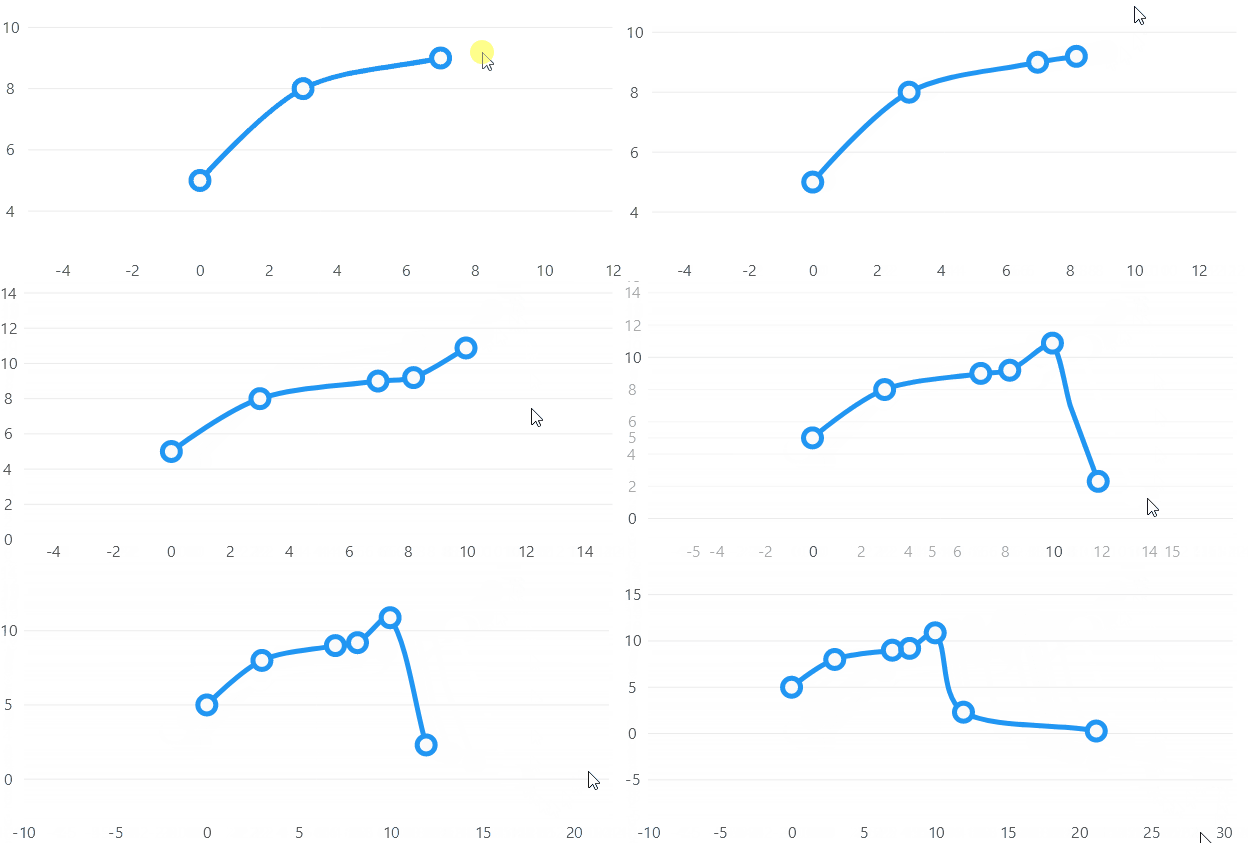
Add Point On Click
Code behind
using System.Collections.ObjectModel;
using System.Windows.Forms;
using LiveChartsCore;
using LiveChartsCore.Defaults;
using LiveChartsCore.SkiaSharpView;
using LiveChartsCore.SkiaSharpView.WinForms;

namespace WinFormsSample.Events.AddPointOnClick;

public partial class View : UserControl
{
    private readonly ObservableCollection<ObservablePoint> _data;
    private readonly CartesianChart _cartesianChart;

    public View()
    {
        InitializeComponent();
        Size = new System.Drawing.Size(400, 400);

        _data = [
            new(2, 3),
            new(4, 5),
            new(6, 2)
        ];

        var series = new ISeries[]
        {
            new LineSeries<ObservablePoint>
            {
                Values = _data,
                GeometrySize = 18,
                DataPadding = new LiveChartsCore.Drawing.LvcPoint(5,5)
            }
        };

        _cartesianChart = new CartesianChart
        {
            Series = series,
            Location = new System.Drawing.Point(0, 0),
            Size = new System.Drawing.Size(400, 400),
            Anchor = AnchorStyles.Left | AnchorStyles.Right | AnchorStyles.Top | AnchorStyles.Bottom
        };

        _cartesianChart.MouseDown += CartesianChart_Click;

        Controls.Add(_cartesianChart);
    }

    private void CartesianChart_Click(object sender, MouseEventArgs e)
    {
        var chart = (CartesianChart)sender;
        var p = new LiveChartsCore.Drawing.LvcPointD(e.Location.X, e.Location.Y);
        var dataCoordinates = chart.ScalePixelsToData(p);
        _data.Add(new ObservablePoint(dataCoordinates.X, dataCoordinates.Y));
    }
}