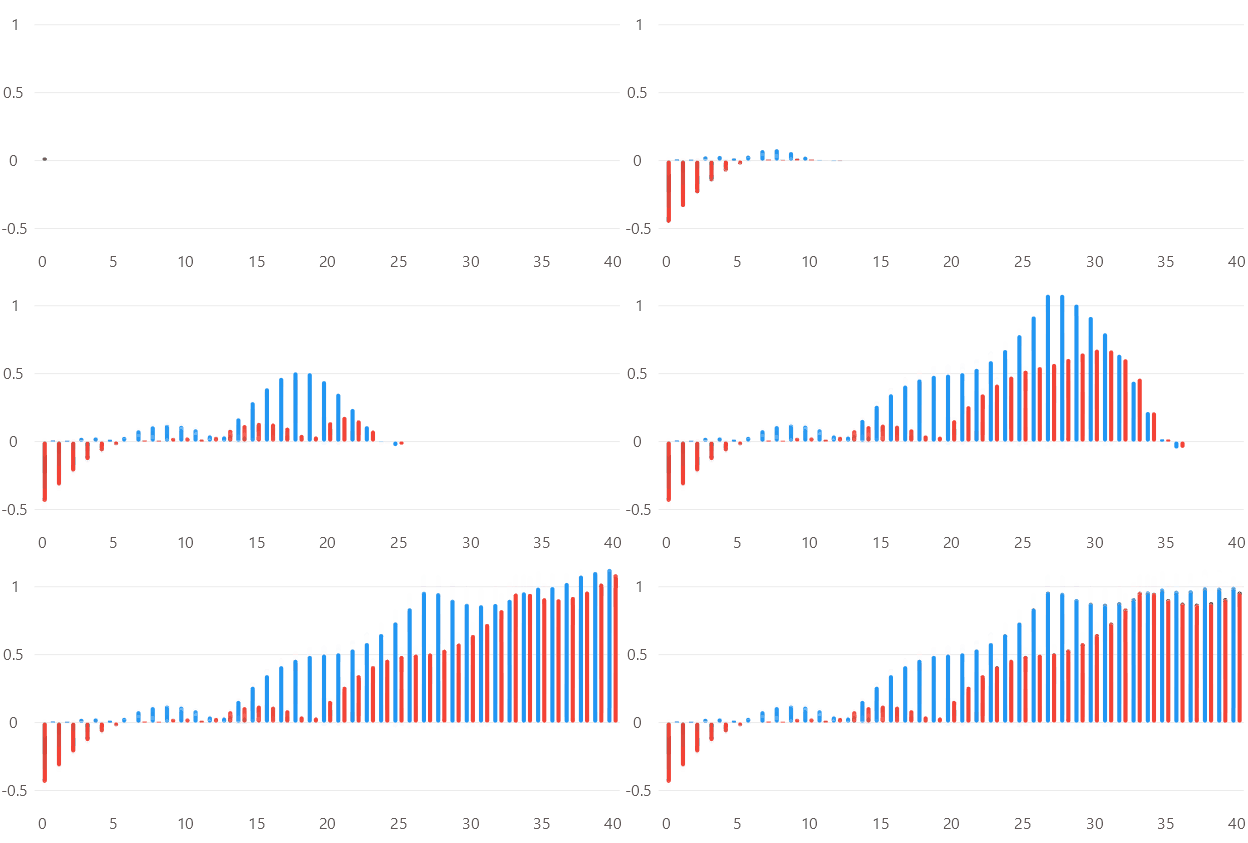
Delayed Animations
Code behind
using System;
using System.Collections.Generic;
using Eto.Forms;
using LiveChartsCore;
using LiveChartsCore.Drawing;
using LiveChartsCore.Kernel;
using LiveChartsCore.SkiaSharpView;
using LiveChartsCore.SkiaSharpView.Eto;

namespace EtoFormsSample.Bars.DelayedAnimation;

public class View : Panel
{
    private readonly CartesianChart cartesianChart;

    public View()
    {
        var values1 = FetchValues(0);
        var values2 = FetchValues(-0.15f);

        var series1 = new ColumnSeries<float>
        {
            Values = values1
        };
        series1.PointMeasured += OnPointMeasured;

        var series2 = new ColumnSeries<float>
        {
            Values = values2
        };
        series2.PointMeasured += OnPointMeasured;

        cartesianChart = new CartesianChart
        {
            Series = new ISeries[] { series1, series2 },
        };

        Content = cartesianChart;
    }

    private void OnPointMeasured(ChartPoint point)
    {
        var baseAnimationsSpeed = 800f; // in milliseconds
        var perPointDelay = 100f; // in milliseconds
        var delay = point.Context.Entity.MetaData!.EntityIndex * perPointDelay;
        var speed = baseAnimationsSpeed + delay;
        var baseEasingFunction = LiveChartsCore.EasingFunctions.BuildCustomElasticOut(1.5f, 0.60f);

        point.Context.Visual?.SetTransition(
            new Animation(progress =>
            {
                var d = delay / speed;
                return progress <= d
                    ? 0
                    : baseEasingFunction((progress - d) / (1 - d));
            },
            TimeSpan.FromMilliseconds(speed)));
    }

    private static float[] FetchValues(float offset)
    {
        var values = new List<float>();
        var fx = LiveChartsCore.EasingFunctions.BounceInOut;
        var x = 0f;
        while (x <= 1)
        {
            values.Add(fx(x + offset));
            x += 0.025f;
        }
        return values.ToArray();
    }
}
Articles you might also find useful: