Linear Gradients
This sample uses C# 13 preview features such as partial properties, it also uses features from the CommunityToolkit.Mvvm package, you can learn more about it here.
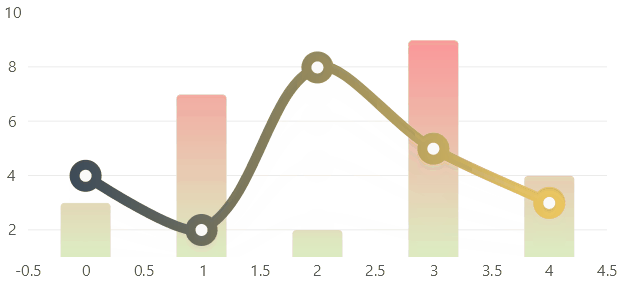
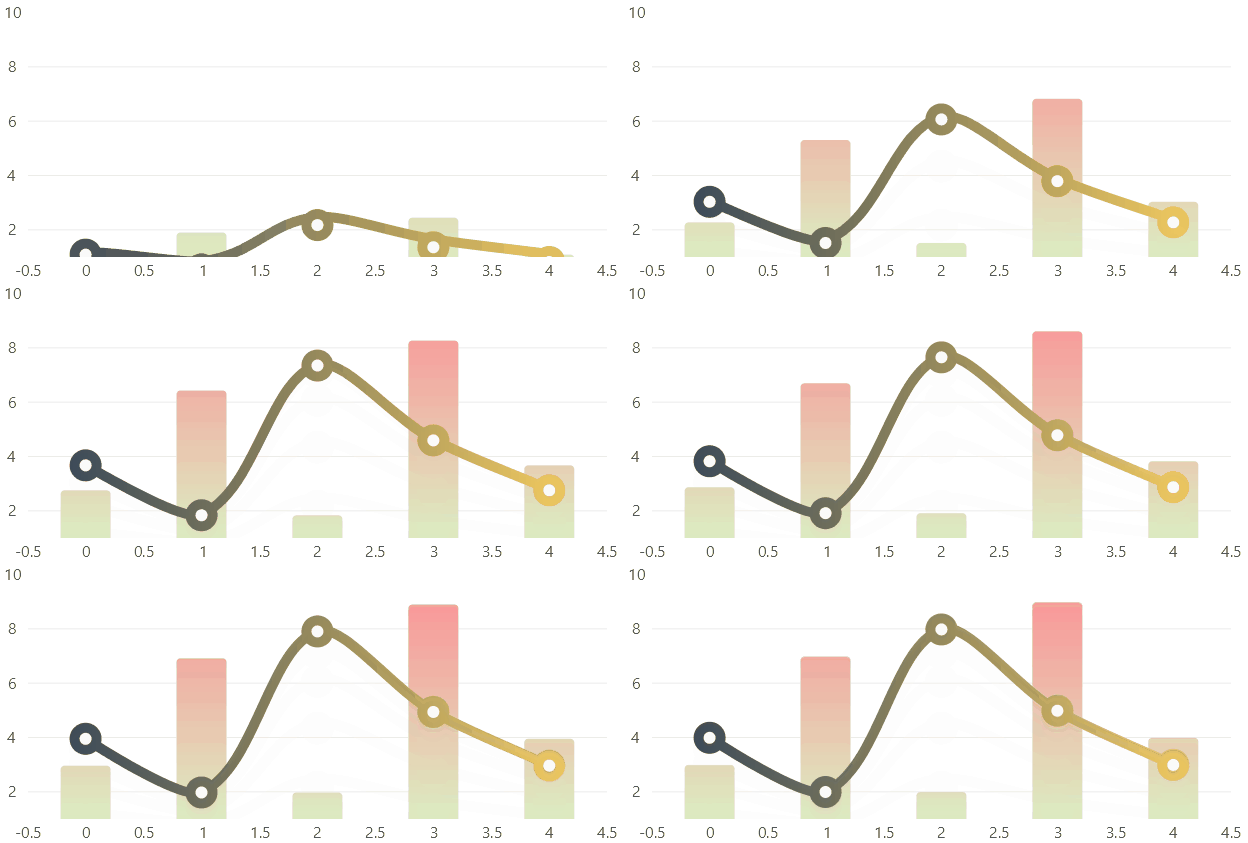
View Model
namespace ViewModelsSamples.Design.LinearGradients;

public class ViewModel
{
    public int[] Values1 { get; set; } =
        [3, 7, 2, 9, 4];

    public int[] Values2 { get; set; } =
        [4, 2, 8, 5, 3];
}
XAML
<UserControl
    x:Class="WinUISample.Design.LinearGradients.View"
    xmlns="http://schemas.microsoft.com/winfx/2006/xaml/presentation"
    xmlns:x="http://schemas.microsoft.com/winfx/2006/xaml"
    xmlns:d="http://schemas.microsoft.com/expression/blend/2008"
    xmlns:mc="http://schemas.openxmlformats.org/markup-compatibility/2006"
    xmlns:lvc="using:LiveChartsCore.SkiaSharpView.WinUI"
    xmlns:vms="using:ViewModelsSamples.Design.LinearGradients"
    mc:Ignorable="d">

    <UserControl.DataContext>
        <vms:ViewModel/>
    </UserControl.DataContext>

    <!--
    Use the LinearGradientPaint extension to create a linear gradients.

    The Colors property accepts a string with the colors separated by a comma.

    The StartPoint and EndPoint properties accept a string with the coordinates separated by a comma,
    both values are between 0 and 1, where 0,0 is the top left corner and 1,1 is the bottom right corner,
    for example to create a vertical gradient from top to bottom use 0.5,0 and 0.5,1.

    The ColorPositions property accepts a string with the color positions separated by a comma,
    the positions are between 0 and 1, where 0 is the start of the gradient and 1 is the end of the gradient,
    this defines the distribution of the colors in the gradient, use null to use the default distribution.

    The TileMode property defines how the gradient is repeated.
    -->

    <lvc:CartesianChart LegendPosition="Right">
        <lvc:CartesianChart.Series>
            <lvc:SeriesCollection>
                <lvc:XamlColumnSeries
                    SeriesName="John"
                    Values="{Binding Values1}"
                    Fill="{lvc:LinearGradientPaint
                        Colors='#FF8C94, #DCEDC2',
                        StartPoint='0.5, 0',
                        EndPoint='0.5, 1'}"/>
                <lvc:XamlLineSeries
                    SeriesName="Charles"
                    Values="{Binding Values2}"
                    GeometrySize="22"
                    Fill="{x:Null}"
                    Stroke="{lvc:LinearGradientPaint
                        Colors='#2D4059, #FFD360',
                        StrokeWidth=10}"
                    GeometryStroke="{lvc:LinearGradientPaint
                        Colors='#2D4059, #FFD360',
                        StrokeWidth=10}"/>
            </lvc:SeriesCollection>
        </lvc:CartesianChart.Series>
    </lvc:CartesianChart>
</UserControl>
